Choose around the work you actually do
Start with a normal month, not a feature list. Where do you record rent received? How do you find a repair receipt? Who checks a balance when you are away? A spreadsheet can be a good fit for one rental with straightforward payments and a reliable filing routine. More units, repeated partial payments or several people keeping records can make a structured workspace useful. Property count alone does not decide the answer.
Compare three different kinds of tool
A spreadsheet stores the rows and formulas you design. Manual rental software connects records such as properties, leases, payments and evidence. A connected platform may also collect tenant payments or import bank transactions. Check the specific platform, country availability and terms before assuming either connection exists. StayVue is in the manual recordkeeping group: you collect rent elsewhere, confirm it arrived and record it yourself.
Swipe or scroll sideways to see every column.
| Question | Spreadsheet | Manual rental software such as StayVue | Platform with connected payments or bank feeds |
|---|---|---|---|
| How does rent get recorded? | Enter and reconcile your own rows. | Record a received payment and its rent period. | May record supported transactions automatically; check what needs review. |
| Where are receipts? | Maintain file names and links yourself. | Attach evidence to the relevant record. | Check receipt storage and export options. |
| How do partial payments work? | Maintain separate charges, receipts and balance formulas. | Keep each payment and the period it settles. | Check allocation, fees, refunds and exceptions. |
| Who can help? | Manage file permissions and edit conflicts. | Check owner and restricted-workspace limits. | Check roles, tenant access and extra account costs. |
| How do you leave or recover? | Keep workbook copies and supporting files. | Export records and keep recoverable backups. | Check bulk exports, attachments and access after cancellation. |
Stay with a spreadsheet when the routine is dependable
If you can quickly answer what was received, what is still owed and where the supporting receipt is stored, changing tools may add little value. Before buying software, try consistent property names, one header row per sheet, separate payments from rent charges and a documented month-end check. Keep an untouched original before experimenting. A familiar workbook that someone else can understand is a reasonable choice.
Consider manual software when records need more structure
Look for the job that currently creates repeat work: matching a payment to a lease, locating a receipt, checking an outstanding balance or preparing records for another owner. StayVue groups rent, expenses, tenants, documents and scheduled work in a workspace. It can import CSV or Excel records and export records for your accountant. The benefit depends on keeping those records accurate; software cannot confirm an externally received payment for you.
See how separate receipts explain a partial rent payment · Try a monthly income and expense routine
Choose connected services when the money flow is the requirement
If you need tenants to pay through the same platform or want bank transactions pulled in automatically, look for a provider that explicitly supports that workflow. Confirm supported payment methods, settlement times, bank availability, processing fees and how disputed or failed payments appear. StayVue does not collect rent, move money or connect to your bank. Importing a workbook is a different task from an ongoing bank feed.
Compare the full cost and the responsibilities
Compare the software price with payment fees, extra users, unit limits and any setup work you need. Also ask what remains available after a subscription ends or a trial expires. A one-time license still requires you to understand backups, device compatibility and optional upgrades.
- Essentials: $39 USD once, for up to 3 rental units.
- Portfolio: $69 USD once, for up to 15 rental units.
- Together: $89 USD once, for up to 50 rental units.
- StayVue has a 14-day trial with no payment card required. After it expires, a payment screen replaces the rental tools; backup downloads and record exports remain available.
- One payment licenses the purchased version. Standard support is included; custom setup and spreadsheet cleanup are not included. Future paid major upgrades, if offered, are optional. Applicable taxes are shown at checkout.
Check sharing and recovery before committing
For shared work, test what a second person can actually see and change. StayVue plan limits distinguish owner accounts and restricted staff workspaces; tenant portals and staff workspaces use encrypted file exchange. Automatic customer-cloud delivery needs setup and live verification, and always-online portal hosting is not included. For recovery, keep an encrypted backup outside browser storage, keep the needed password or recovery key separately and test that a copy opens. Folder backups run while the app is open on supported desktop browsers.
Understand external backups and recovery · Check the records another person will need
Make a decision with one completed month
Use fictional records in the demo, then test a copy of one completed month during the trial. Record two payments against one rent period, attach a repair receipt, find the remaining rent balance and export the records. Compare totals with your original workbook and check a backup. If the work becomes clearer and you can explain it to the next person, that is useful evidence for switching. If it adds steps without solving your problem, keep the workflow that serves you.
Use the migration checklist before moving your full workbook
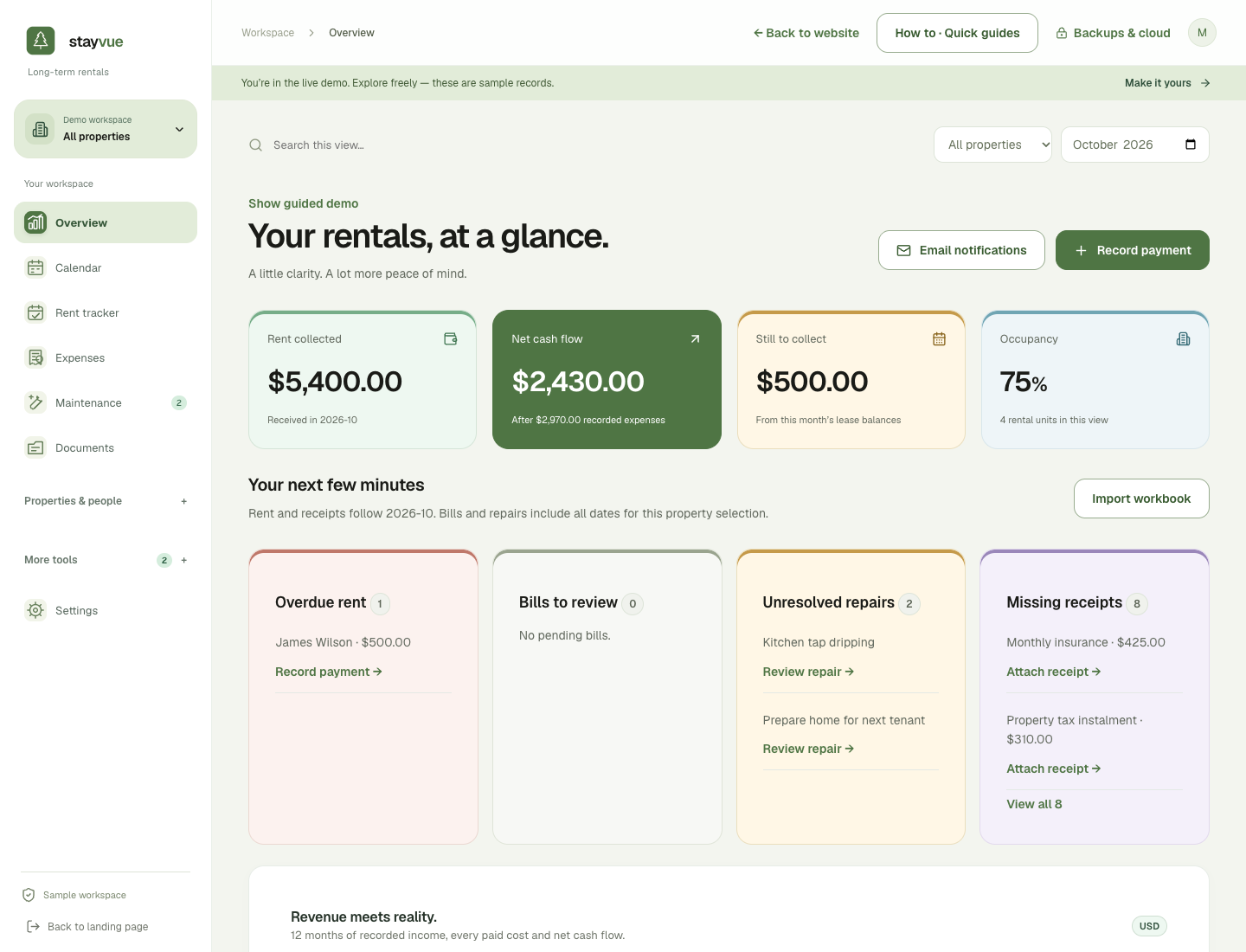
Put it into practice.
Explore a sample rental workspace. No sign-up is needed for the demo.
Explore StayVue